Before you start
1. Have the correct credentials at hand
If you do not already have a suitable service account configured, set this up now.
Make sure that this account is created and managed as a service account – do not use an employee’s account to make this connection, as events like a person leaving the company might result in this connection being broken, and hard to recover.
Name the account to be easily recognisable, for example “Allara API User – Do Not Delete”
Ensure that the credentials for this account are securely stored, allowing future team members to access the token user in accordance with your organisation's internal policies
2. Get a link from Allara Global
Allara Global will send you a personalised connection link. It looks like this:
https://portal.allaraglobal.com/connect/employment-hero?tenantId=987654321
Use the exact link Allara Global sent you — the reference at the end identifies your organisation. Don’t edit it or remove that part.
Step by step
1. Open the connection link Allara Global sent you
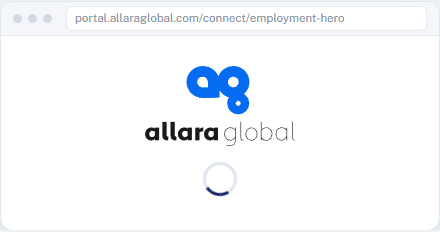
You’ll see the Allara Global connection page for a moment while it takes you to Employment Hero.
2. Sign in to Employment Hero
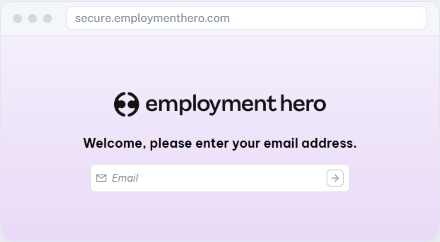
Log in exactly as you usually would. If you’re already signed in, you may skip straight to the next step.
3. Approve the access request
Review the access Allara Global is requesting and approve it. If you’re asked which organisation to connect, choose the correct one.
4. You’re done
Employment Hero sends you back to Allara Global. When you see this confirmation, the connection is complete — there’s nothing more to do.
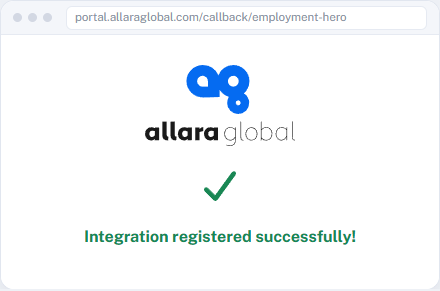
Success — you’re connected.
If something doesn’t work
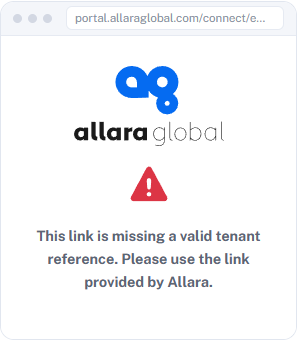
“Missing a valid tenant reference”
The link is incomplete or was edited. Go back to the original link Allara Global sent you and open it again.
An error after Employment Hero
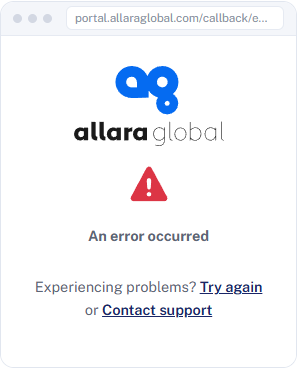
Choose Try again. If it keeps occurring, please contact Allara Global.